 Forefront
How to Share Classes
How to share a class with a colleague, such as a paraeducator, co-teacher, or teaching assistant, so they can view and add data for it.
Please note that building and district leaders do not need to have classes shared before having access to view this information.
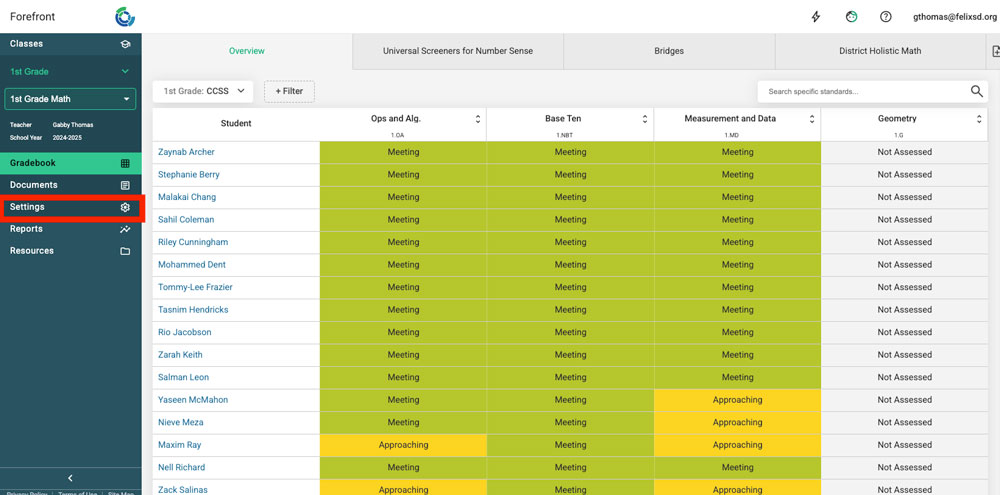
Step 1: Click the class settings tab on the left navigation.
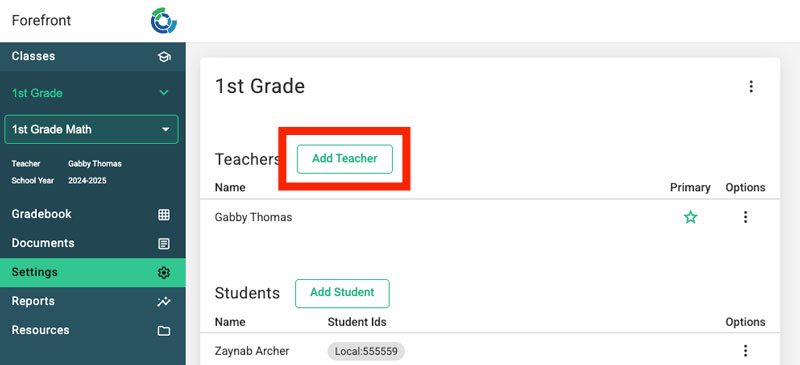
Step 2: Click the “Add Teacher” button.
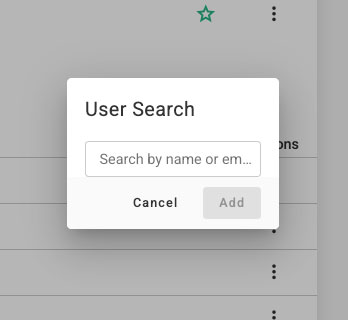
Step 3: Search for the teacher user that the class should be shared with.