 Forefront
Fixing Duplicate Students, Users, or Classes
How to merge duplicate students, users, and classes.
This capability is available for users with manager permissions.
If you are a client that rosters with ClassLink or Clever please contact support@forefront.education directly.
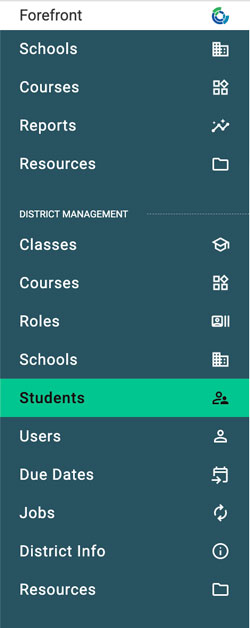
Step 1: Navigate to the relevant management page in the left side navigation.
This may be classes, students or users pages.
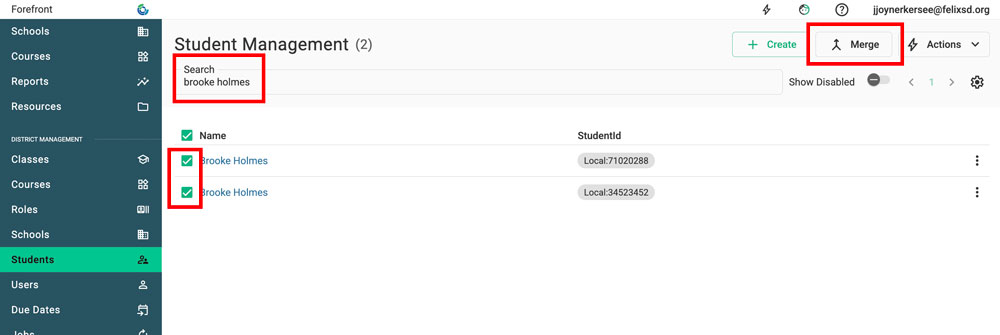
Step 2: Search for, then select the two incidences to be merged. Then click the “merge” button.
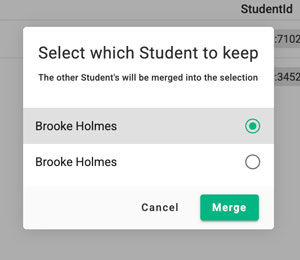
Step 3: Select the incidence to keep. Select merge.