 Forefront
File Block
Attach a document, spreadsheet, slideshow, or audio file to a handout for families to download, and choose how it prints.
A file block attaches a file that readers can download, such as a practice sheet, a reading list, or a recording. On paper, it can print as a QR code that opens the file.
Adding a file
Choose File from the + menu, the right-click Create menu, or the / menu. Your computer’s file picker opens straight away. If you close it without choosing anything, the block waits with a Select file button.
You can attach these kinds of file, up to 250 MB:
- Documents: PDF, Word (.doc, .docx), text (.txt, .rtf), and Pages
- Spreadsheets: Excel (.xls, .xlsx), .csv, and Numbers
- Slideshows: PowerPoint (.ppt, .pptx) and Keynote
- Audio (.mp3) and .zip archives
For pictures, use an Image Block instead. For videos, use a Video Block. Dragging a .csv file into the handout makes a table out of it rather than attaching it.
File settings
Select the block to open the File tab in the ribbon.
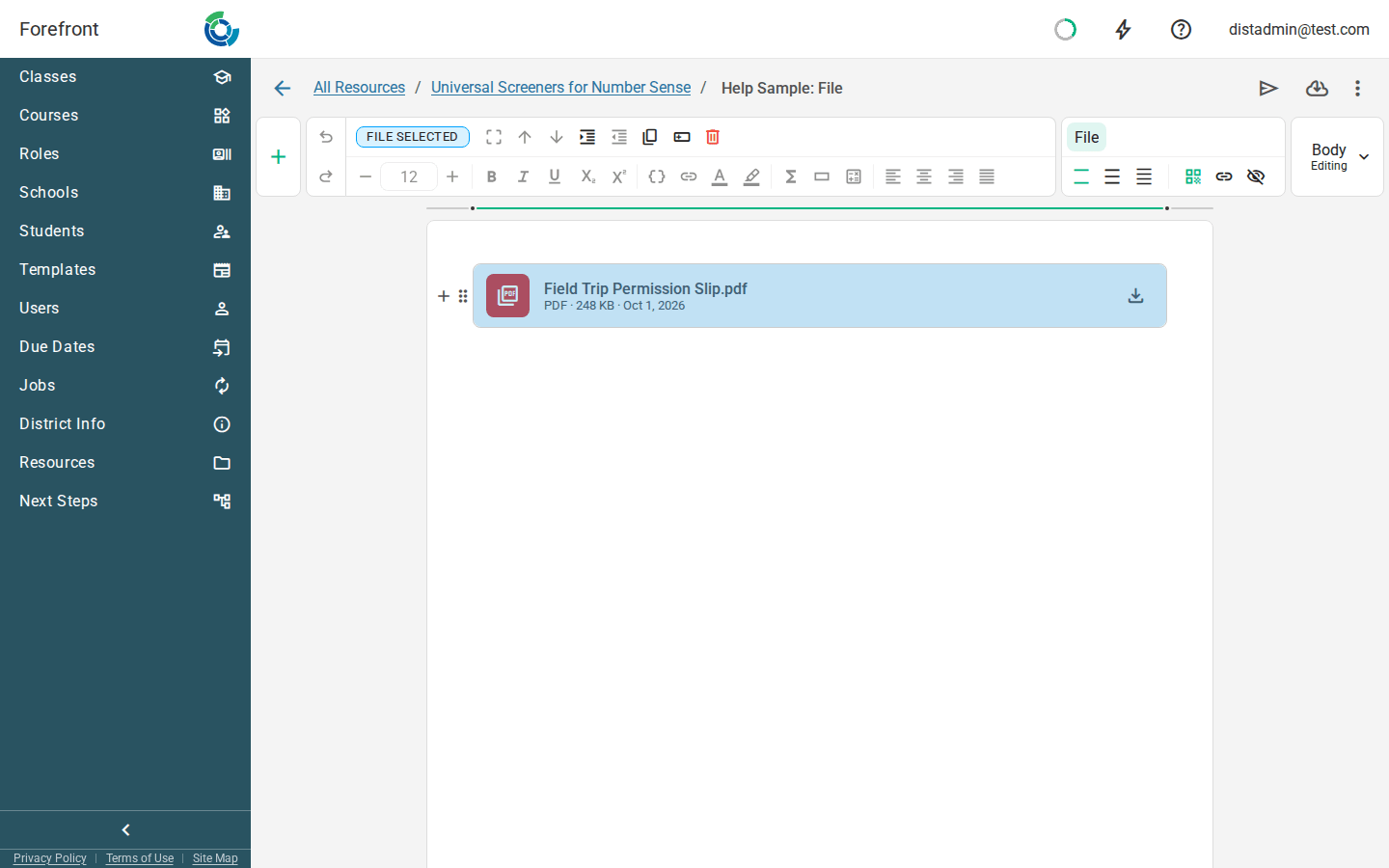
Density sets how much detail the block shows beside the file name:
| Option | Shows |
|---|---|
| Comfortable (the default) | The file’s type, size, and date |
| Compact | The file’s size |
| Minimal | The file name only |
When printed sets what a printed copy or PDF shows instead of the download card:
| Option | On paper |
|---|---|
| Print as QR code (the default) | A QR code that opens the file, beside its name |
| Print as link | The file name as a link |
| Hide when printed | Nothing. The block is left off the page. |
In print and email
In Forefront and in email, readers always see the full card with a Download button. When printed only changes printed copies and PDFs.
Where you can use it
File blocks can go in a table cell or a column, and in assessment instructions and district templates. They can’t go in a stack layer.
For the other kinds of block, see Handout Blocks.